Project Overview
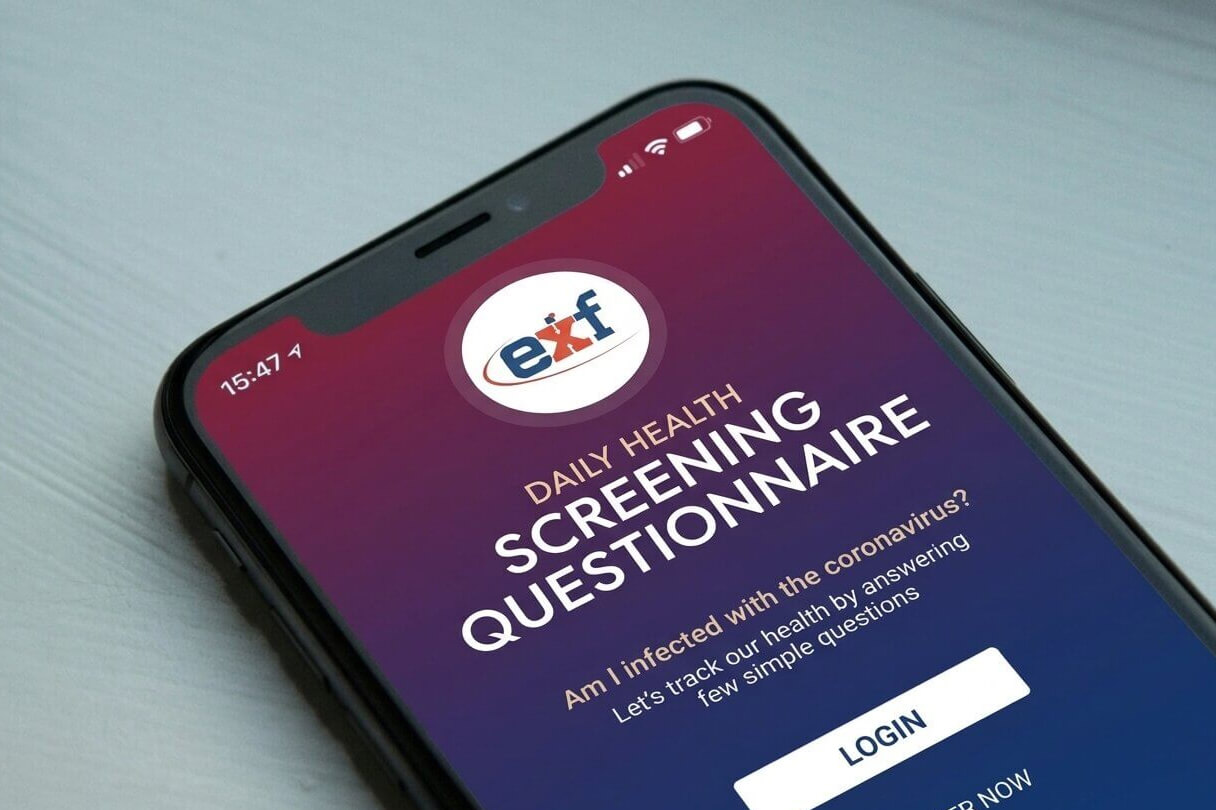
I designed a mobile app for EXF that helps employees and visitors complete a quick daily health screening questionnaire to safely enter the workplace during the COVID-19 period. The app includes login/register flows, a self-screening tool with symptom and exposure questions, prevention tips, and a QR code for approved access. The goal was to make the process fast, clear, and reassuring for users while supporting workplace safety.
My Role
I handled the complete UX/UI design for this project as the sole designer. My responsibilities included:
- Mapping out the full user journey from login to QR code generation
- Designing all key screens including onboarding, questionnaire, and results
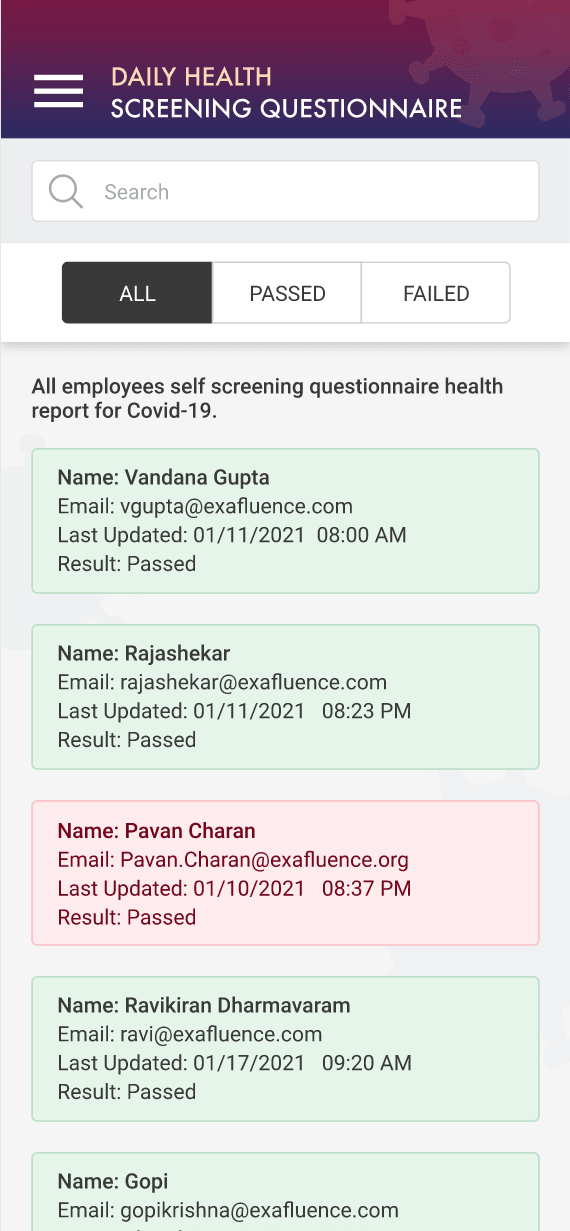
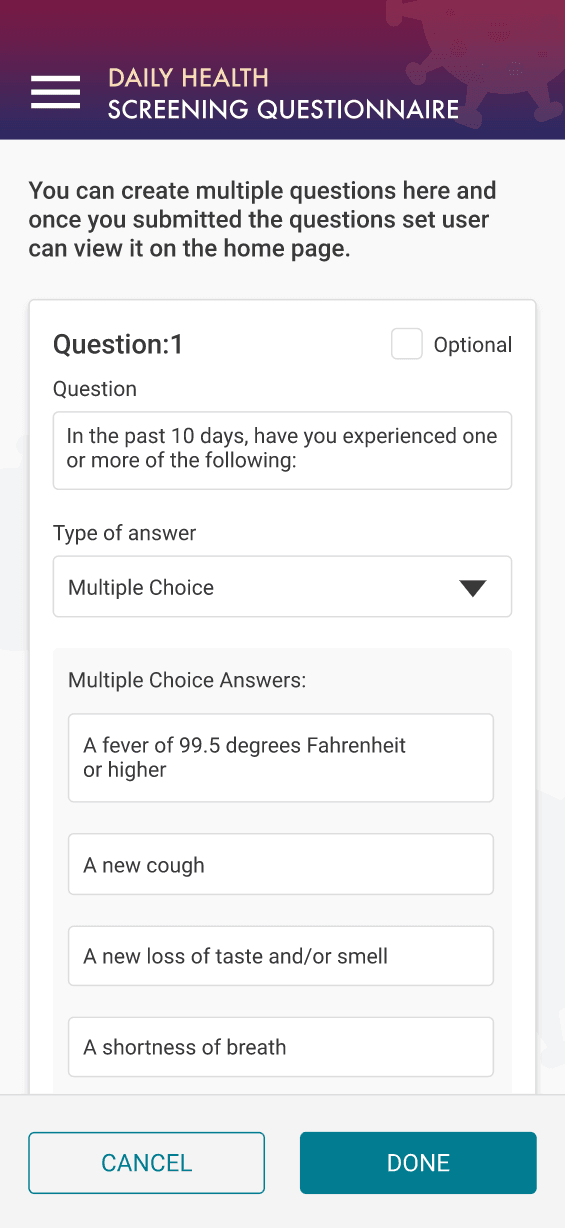
- Creating an admin side for setting up questions
- Building a clean, trustworthy interface with helpful alerts and info boxes
The Challenge
During the pandemic, workplaces needed a reliable way to screen people daily without making the process feel stressful or time-consuming.
The main challenges were:
- Designing a sensitive health questionnaire that feels respectful and easy to answer
- Guiding users through multiple yes/no questions with clear explanations and alerts
- Creating a smooth flow from screening to QR code access approval
- Balancing simplicity for regular users with admin tools to customize questions
User Research
I looked at official CDC and state health guidelines for COVID screening questions, along with similar workplace check-in apps used by hospitals and companies. I also reviewed common user frustrations with health forms — such as confusing wording, too many steps, or lack of clear next actions.
Key insights:
- Users appreciate short explanations and “Alert” or “Info” boxes when questions are sensitive
- Clear yes/no buttons and progress indicators reduce anxiety
- Quick approval with a QR code gives users a satisfying sense of completion
- Admin features should be straightforward so non-technical staff can manage questions
The Solution
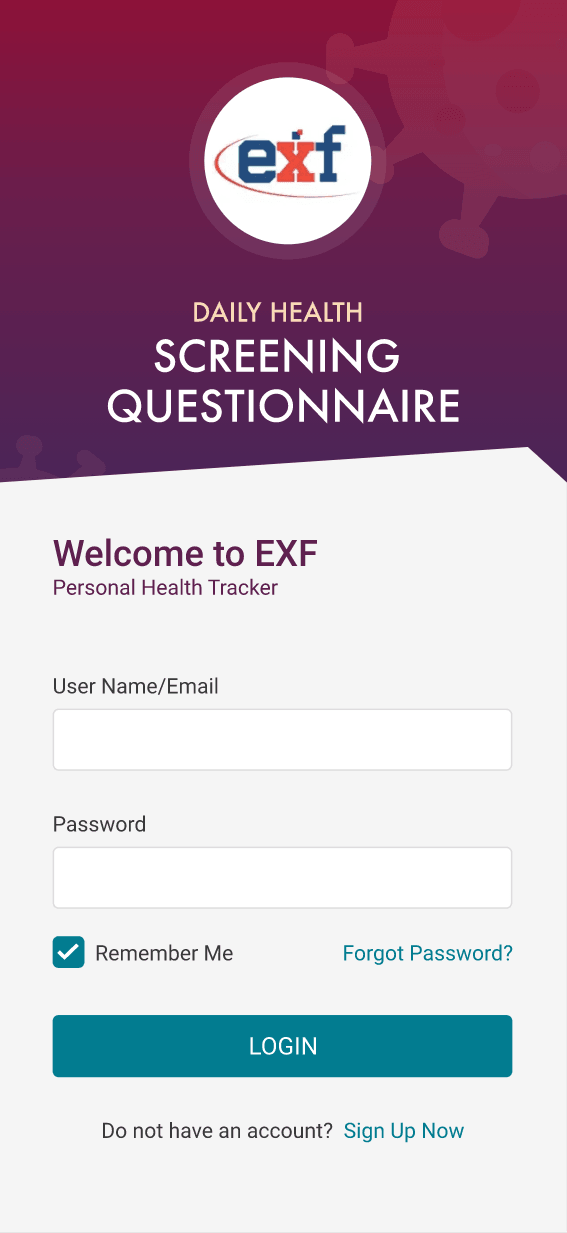
The final design uses a clean purple-to-blue gradient with the EXF logo to create a professional yet approachable health app.
Key features include:
- Simple login and account creation with “Remember Me” option
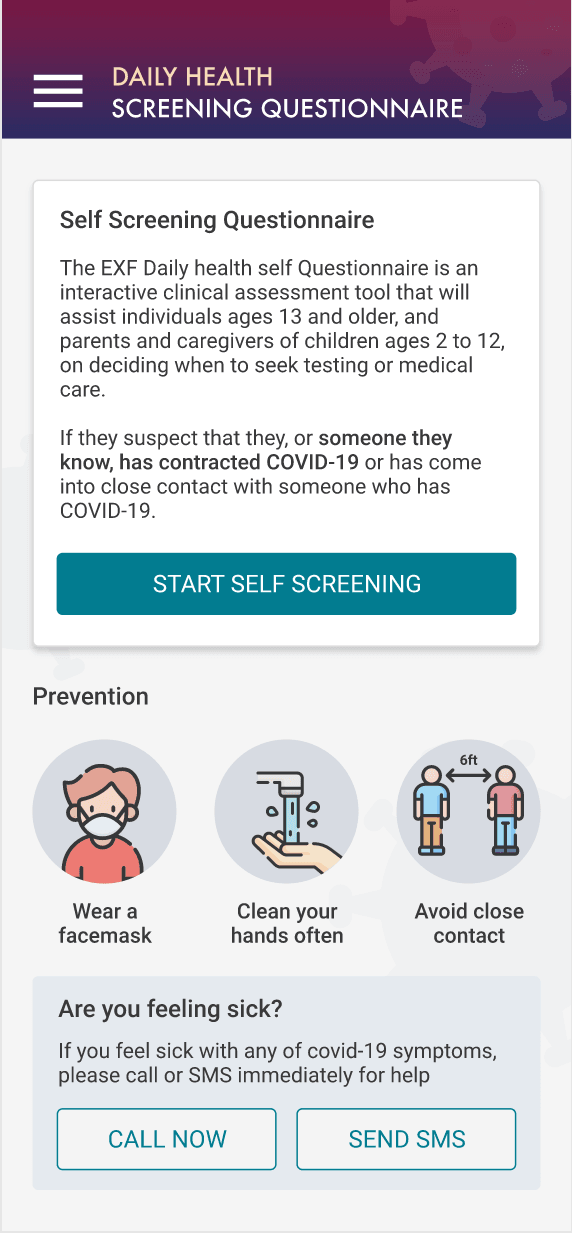
- Informative landing page explaining the purpose of the screening
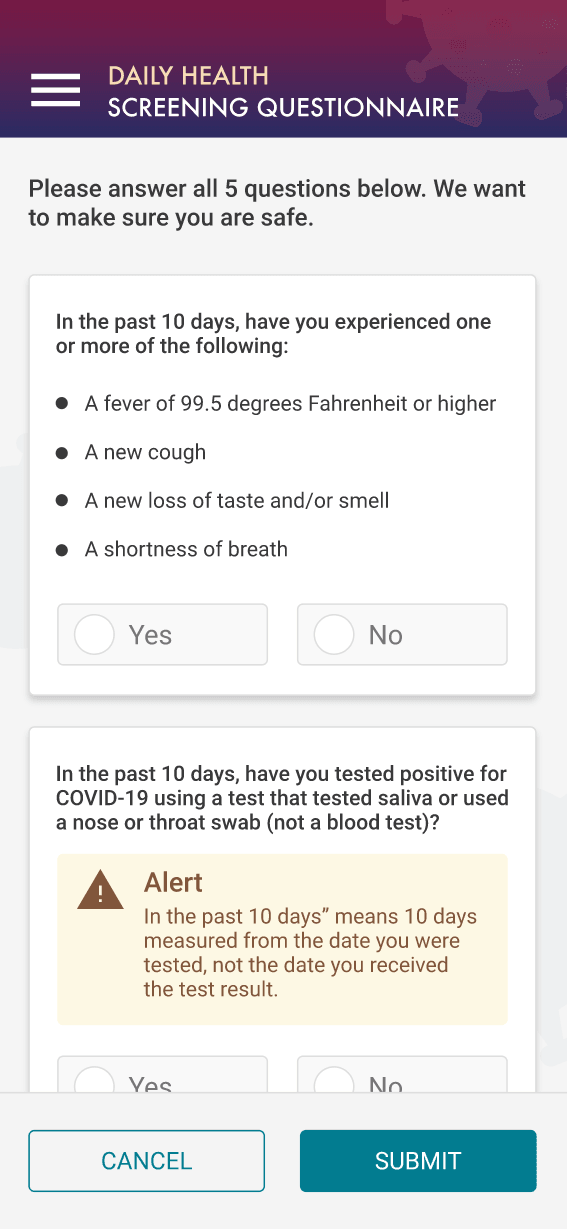
- Step-by-step self-screening questionnaire with symptom checklists and clear Yes/No options
- Helpful Alert and Info boxes that explain terms like “close contact” or testing timelines
- Prevention tips with simple icons (mask, handwashing, distancing)
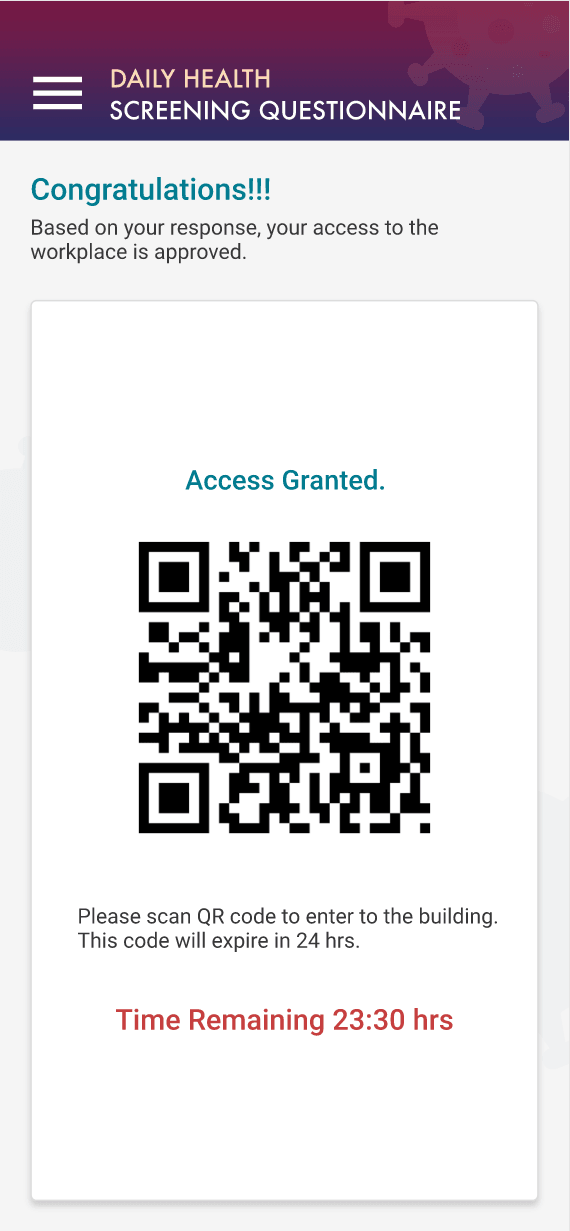
- Instant QR code generation upon successful screening with a 24-hour expiration
- Admin panel to easily create and edit screening questions
Design Evolution
Early versions had more text and a colder medical feel. As I iterated, I made several improvements:
- Softened the color palette to feel more calming and trustworthy
- Made questions easier to read with better spacing and bold key terms
- Added subtle illustrations and icons for prevention tips
- Improved the success screen to feel positive and celebratory with “Access Granted”
The interface evolved from purely functional to one that feels supportive and user-friendly.
Results & Impact
Since this was a concept project built around real pandemic needs, I focused on flow clarity and user comfort during testing. People who reviewed the prototype found the questionnaire straightforward and less intimidating than typical health forms.
They particularly liked:
- The clear explanations and alert boxes that helped them answer accurately
- The quick transition from screening to QR code
- The calm, professional design that didn’t feel overly clinical
Overall, the app creates a respectful, efficient daily health screening experience that supports both user peace of mind and workplace safety.